
CookieRun: Card Collection
Card collecting simulator
Wake Up An Animal is a Roblox simulator where you play music to wake sleeping animals and place them at your base to earn Cash. Train Breath to reach farther and upgrade your instrument to find rarer animals.
Last updated: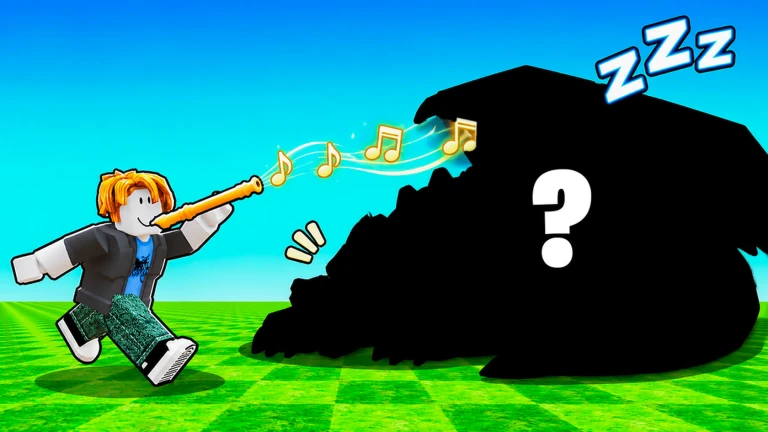
Codes checked
WAKEUPCash + BreathBeginner
Look for a nearby bush with floating Zs. Face it and play your instrument so the sound wave reaches the bush. If the wave falls short, move closer and play again.
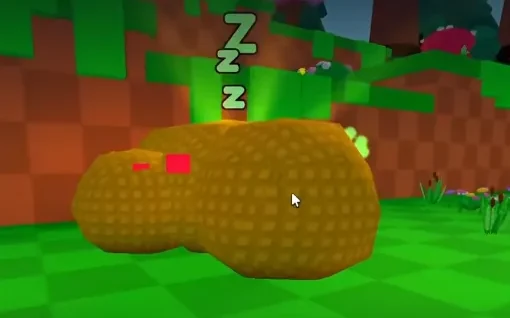
Select the animal in your hotbar and return to your fenced yard. Move to an open spot and use Place when the prompt appears. The Cash-per-second label shows what that animal earns. Animals on your plot keep earning while you’re offline.
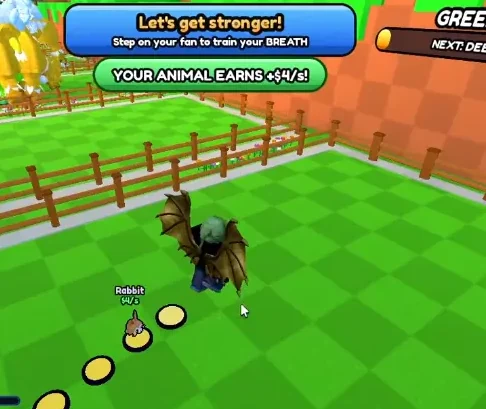
Step onto the gray training pad by your fan. Watch your Breath counter go up as you train, then press Stop when prompted. When you can afford a fan upgrade, step onto the gold disc beside the fan for more XP per rep.
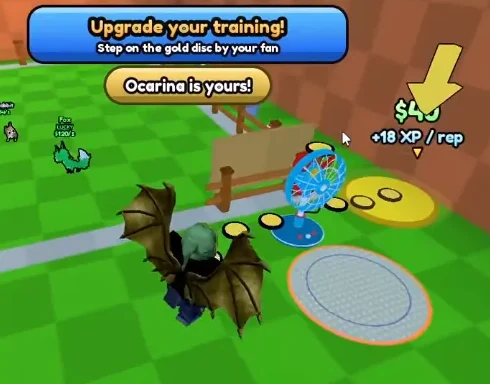
Train more Breath if you still can’t reach the bushes you want. Once your wave reaches them, compare the Luck values at the Music Shop and spend Cash on an instrument with higher Luck to improve your odds of waking rarer animals. Open the Index as you explore new zones to track what you have collected.
Open Animals and look under On Your Plot in My Animals. Compare the Cash-per-second labels and select Pick Up beside the animal you want to swap out. Select your new animal and use Place in the open spot.
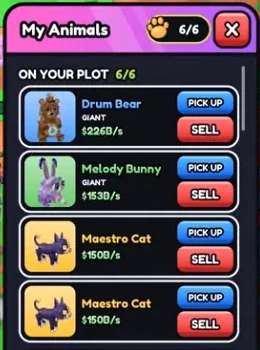
Place new animals when they improve your Cash income so you can keep funding upgrades as you explore.
The base game has eight zones. Use the Index to track your collection as you look for Rare, Legendary, Secret and Rainbow animals. Compare the Cash per second shown on animals before giving them space at your base.
When you wake an Echobound animal, its Echo Power affects its income. Higher Echo Power increases the animal’s Cash earnings. Animals placed at your base keep earning while you’re away.
Card collecting simulator
Pets & roleplay
Codes Adopt Me!
Anime simulator
Codes Anime Champions X
Anime clicker
Codes Anime Divine